
What you will learn
- The four TCP/IP settings: IP address, subnet mask, default gateway, DNS server
- DHCP and the DORA process (Discover, Offer, Request, Acknowledge), UDP ports 67 and 68
- What a 169.254.x.x (APIPA) address means, and what it does not tell you
- How DNS resolves a name, port 53, and the A, AAAA, MX and CNAME records
- When traffic goes to the default gateway
- A troubleshooting order with ipconfig, ping and nslookup
PRACTICE TESTS
Ready to drill it?
Practice tests for CompTIA A+ Core 1 and Core 2, every answer explained and checked against published sources. $19.95 for 30 days, plus sales tax where it applies; one payment, nothing renews.
See the 30-day passCheat sheet
Everything in this lesson on one page. Free to save, print and share.
Download the cheat sheet (PNG)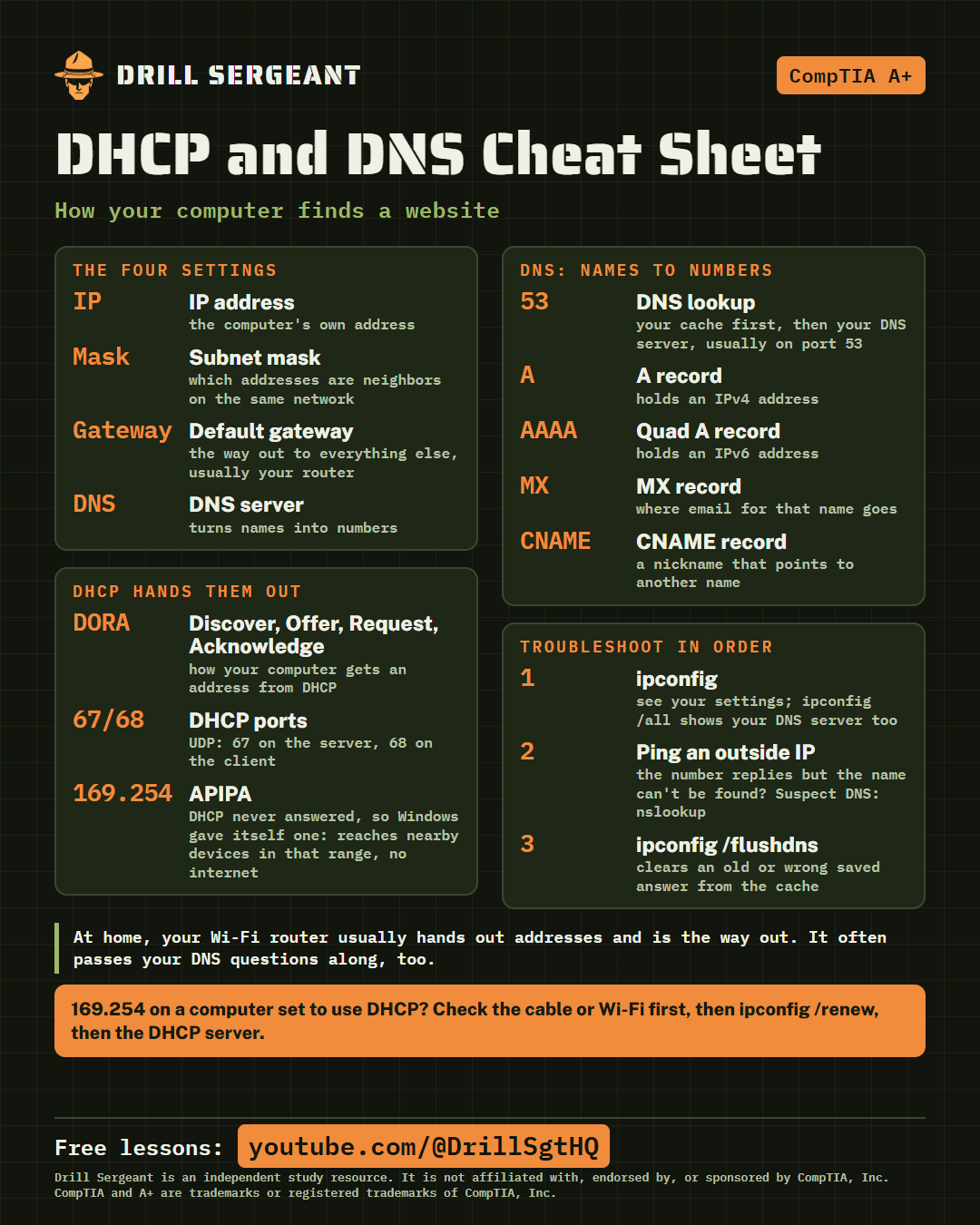
Cheat sheet as text
DHCP and DNS Cheat Sheet
How your computer finds a website
The four settings
- IP — IP address: the computer's own address
- Mask — Subnet mask: which addresses are neighbors on the same network
- Gateway — Default gateway: the way out to everything else, usually your router
- DNS — DNS server: turns names into numbers
DHCP hands them out
| Key | Meaning | Note |
|---|---|---|
| DORA | Discover, Offer, Request, Acknowledge | how your computer gets an address from DHCP |
| 67/68 | DHCP ports | UDP: 67 on the server, 68 on the client |
| 169.254 | APIPA | DHCP never answered, so Windows gave itself one: reaches nearby devices in that range, no internet |
DNS: names to numbers
| Key | Meaning | Note |
|---|---|---|
| 53 | DNS lookup | your cache first, then your DNS server, usually on port 53 |
| A | A record | holds an IPv4 address |
| AAAA | Quad A record | holds an IPv6 address |
| MX | MX record | where email for that name goes |
| CNAME | CNAME record | a nickname that points to another name |
Troubleshoot in order
| Key | Meaning | Note |
|---|---|---|
| 1 | ipconfig | see your settings; ipconfig /all shows your DNS server too |
| 2 | Ping an outside IP | the number replies but the name can't be found? Suspect DNS: nslookup |
| 3 | ipconfig /flushdns | clears an old or wrong saved answer from the cache |
At home, your Wi-Fi router usually hands out addresses and is the way out. It often passes your DNS questions along, too.
169.254 on a computer set to use DHCP? Check the cable or Wi-Fi first, then ipconfig /renew, then the DHCP server.
Chapters
- 0:00Press Enter: the four settings your computer needs
- 0:41DHCP and DORA
- 1:14Leases, and DHCP ports 67 and 68
- 1:50169.254 (APIPA): when DHCP does not answer
- 2:26DNS: names into numbers
- 2:46How a DNS lookup works
- 3:11DNS records: A, AAAA, MX, CNAME
- 3:36The default gateway
- 4:04Troubleshooting: ipconfig, ping, nslookup
- 4:40Exam recap
Transcript
Read the full lesson narration
Press Enter: the four settings your computer needs
You type a web address and press Enter. Half a second later, the page is there. Here's what happened in between.
To reach a website by name, your computer normally needs four settings. An IP address, which is its own address. A subnet mask, which tells it which addresses are its neighbors on the same network. A default gateway, which is the way out to everything else. And a DNS server, which turns names into numbers. Think of your computer as a guest checking into a hotel. It needs a room number, it needs to know which rooms are in this building, where the front door is, and who to ask to look up another guest's room. So where do those four settings come from?
DHCP and DORA
Usually, from DHCP, the Dynamic Host Configuration Protocol. DHCP is the hotel's front desk. When your laptop joins the network, it has no address yet, so it calls out to everyone nearby: is there a DHCP server here? That's the Discover. A server answers with an Offer: here's an address you can use. Your laptop sends a Request: I'll take that one. And the server sends an Acknowledgment, which makes it official. Discover, Offer, Request, Acknowledge. Remember it as DORA.
Leases, and DHCP ports 67 and 68
That address is a lease, like a hotel room with a checkout time. Before the lease runs out, your laptop asks to renew it. Along with the address, DHCP can hand over the subnet mask, the default gateway, and the DNS server, so nobody has to type them in. At home, your Wi-Fi router usually plays two of these roles. It's the front desk that hands out addresses, and it's the front door. It often passes your DNS questions along, too. For the exam, DHCP uses UDP. Port sixty seven on the server, and port sixty eight on the client.
169.254 (APIPA): when DHCP does not answer
Now, what if the front desk never answers? Windows doesn't just give up. It gives itself an address that starts with one sixty nine, two fifty four. That's called APIPA. It can reach other nearby devices in that same range, but routers won't forward it, so there's no internet. On the exam, a one sixty nine, two fifty four address on a computer set to use DHCP means it didn't get usable settings. It doesn't tell you what failed. So check the cable or the Wi-Fi first. Then try ipconfig slash renew to ask the front desk again. If that fails, look at the DHCP server.
DNS: names into numbers
Settings done. Now you type example dot com. Here's the catch. Networks deliver to numbers, not names. Your computer needs the IP address behind that name. That's the job of DNS, the Domain Name System. It works like the contacts app on your phone. You tap a name, and the phone dials the number for you.
How a DNS lookup works
First, your computer checks its own memory, a short list of names it looked up recently, called the cache. Not there? It asks the DNS server it was given, usually on port fifty three. If that server doesn't know the answer either, it does the legwork. It asks a root server, which points it to the servers for dot com. Those point it to the server in charge of example dot com, and that server gives the real answer.
DNS records: A, AAAA, MX, CNAME
The answer comes back as a record. An A record holds an IPv4 address. A quad A record holds an IPv6 address. You'll also see MX records, which say where email for that name goes, and CNAME records, which are nicknames that point to another name. Your computer saves the answer in its cache for a while, so the next visit skips the whole trip.
The default gateway
Now your computer has a number. Is that server in the same building? Your computer compares the two addresses using the subnet mask. If it's a neighbor, it sends the message straight there. A web server across the internet is not a neighbor, so the request goes to the default gateway, your router, the hotel's front door. From there, routers pass it along, hop by hop, until it reaches the server. And the web page comes back to you.
Troubleshooting: ipconfig, ping, nslookup
This is exactly how technicians troubleshoot, one step at a time. Run ipconfig to see your settings, or ipconfig slash all to see your DNS server too. A one sixty nine, two fifty four address? Then it got no DHCP settings, so check the link first. Next, ping an outside IP address. If pinging the number gets replies, but pinging the name says it could not find the host, suspect DNS, and check it with nslookup. And if your computer may have saved an old or wrong answer, ipconfig slash flush DNS clears that cache.
Exam recap
Lock in these four. One. DHCP hands out addresses, using DORA, on UDP ports sixty seven and sixty eight. Two. DNS turns names into numbers, on port fifty three. Three. The default gateway is the way off your network, usually your router. Four. On a computer set to use DHCP, one sixty nine, two fifty four means it didn't get usable settings.
That's how your computer finds a website. Now go prove it. Practice questions are waiting for you in Drill Sergeant.
PRACTICE TESTS
Ready to drill it?
Practice tests for CompTIA A+ Core 1 and Core 2, every answer explained and checked against published sources. $19.95 for 30 days, plus sales tax where it applies; one payment, nothing renews.
See the 30-day passRelated lessons
Found a mistake in a lesson? Email support@drillsgthq.com with the lesson and what is wrong.
Drill Sergeant is an independent study resource. It is not affiliated with, endorsed by, or sponsored by CompTIA, Inc. CompTIA and A+ are trademarks or registered trademarks of CompTIA, Inc.