
Self-check: put the 6 steps in order
Here are the steps, shuffled. Say the right order, then open the answer.
- Verify full system functionality
- Document
- Establish a theory of probable cause
- Identify the problem
- Establish a plan of action and put the fix in place
- Test the theory to find the cause
Show the right order
- Identify the problem
- Establish a theory of probable cause
- Test the theory to find the cause
- Establish a plan of action and put the fix in place
- Verify full system functionality
- Document
Self-check: which step is this?
Your test doesn't confirm the theory, so you come up with a new one, or escalate.
Step 3: test the theory to find the cause
You write down what you found, what you did and how it turned out.
Step 6: document
You ask the user what happens, when it started and what changed recently.
Step 1: identify the problem
You make sure the original problem is gone and nothing else broke, and add a preventive measure if you can.
Step 5: verify full system functionality
You check whether it's plugged in and turned on, then look the error up in a knowledge base.
Step 2: establish a theory of probable cause
You apply the fix, with permission when it's needed.
Step 4: establish a plan of action and put the fix in place
What you will learn
- The six steps: identify, theory (question the obvious), test, plan and implement, verify (and prevent), document
- What to do when a theory is wrong: a new theory or escalate
- Safety first: smoke, grinding drives, swollen batteries
- Where to look first: blank screen, beep codes, clock loss, no boot device, heat shutdowns, frozen print queue
PRACTICE TESTS
Ready to drill it?
Practice tests for CompTIA A+ Core 1 and Core 2, every answer explained and checked against published sources. $19.95 for 30 days, plus sales tax where it applies; one payment, nothing renews.
See the 30-day passCheat sheet
Everything in this lesson on one page. Free to save, print and share.
Download the cheat sheet (PNG)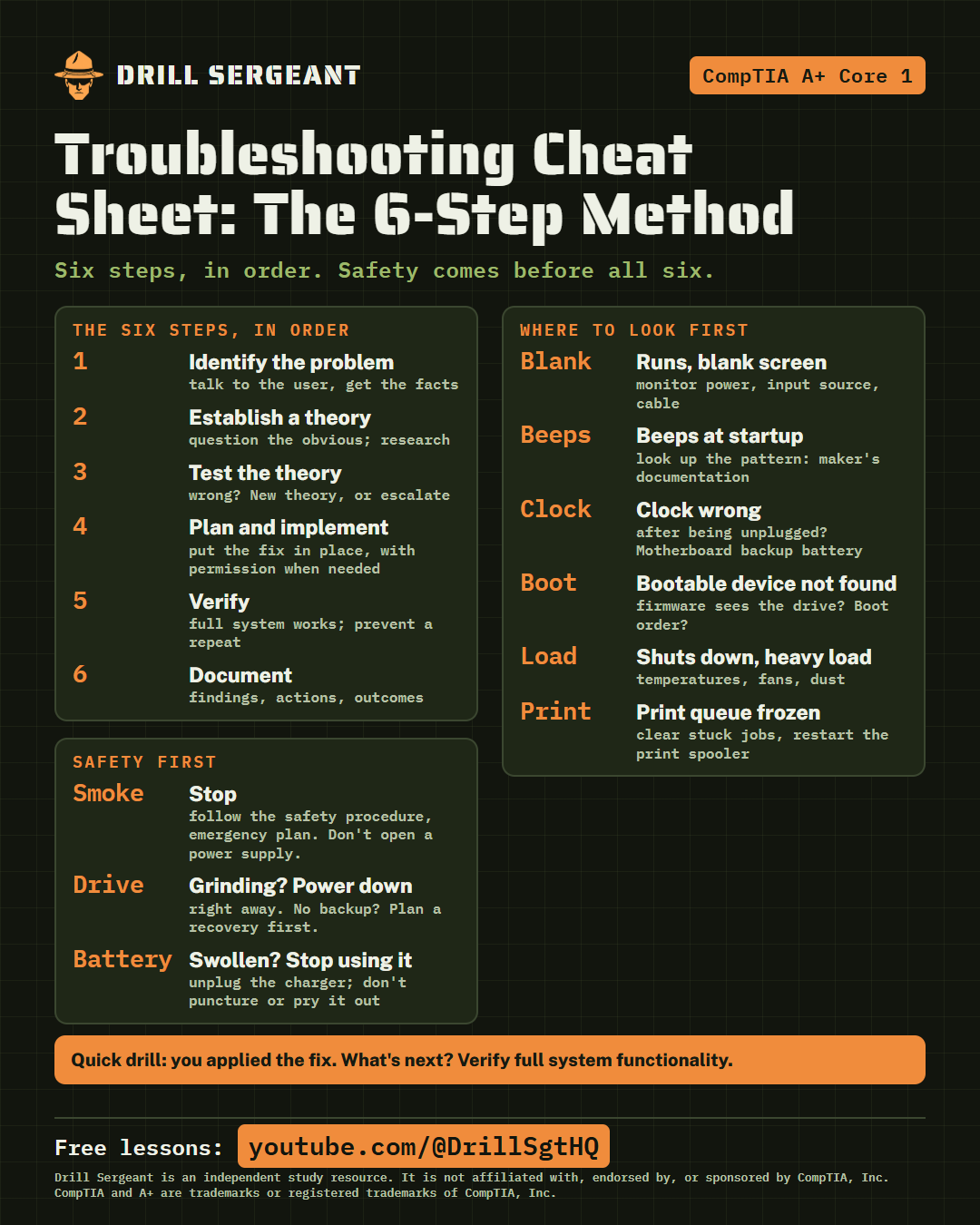
Cheat sheet as text
Troubleshooting Cheat Sheet: The 6-Step Method
Six steps, in order. Safety comes before all six.
The six steps, in order
| Key | Meaning | Note |
|---|---|---|
| 1 | Identify the problem | talk to the user, get the facts |
| 2 | Establish a theory | question the obvious; research |
| 3 | Test the theory | wrong? New theory, or escalate |
| 4 | Plan and implement | put the fix in place, with permission when needed |
| 5 | Verify | full system works; prevent a repeat |
| 6 | Document | findings, actions, outcomes |
Safety first
- Smoke — Stop: follow the safety procedure, emergency plan. Don't open a power supply.
- Drive — Grinding? Power down: right away. No backup? Plan a recovery first.
- Battery — Swollen? Stop using it: unplug the charger; don't puncture or pry it out
Where to look first
- Blank — Runs, blank screen: monitor power, input source, cable
- Beeps — Beeps at startup: look up the pattern: maker's documentation
- Clock — Clock wrong: after being unplugged? Motherboard backup battery
- Boot — Bootable device not found: firmware sees the drive? Boot order?
- Load — Shuts down, heavy load: temperatures, fans, dust
- Print — Print queue frozen: clear stuck jobs, restart the print spooler
Quick drill: you applied the fix. What's next? Verify full system functionality.
Chapters
Transcript
Read the full lesson narration
Six steps, and an honest note about the exam
Almost any tech problem can be worked the same way. Six steps, in order.
First, an honest note about the exam. CompTIA's current A+ exams don't score these six steps by name. But CompTIA lists them as a best practice to use on the job. And the biggest part of Core 1, about 28 percent, is troubleshooting scenarios. These steps are how you work through every one of them.
Steps 1-2: identify, theory
Step one. Identify the problem. Talk to the user and get the facts. What exactly happens? When did it start? What changed recently? Is there an error message? Step two. Establish a theory of probable cause, and question the obvious. Is it plugged in? Is it turned on? If you're not sure, research the error in a knowledge base or online.
Steps 3-6: test, plan, verify, document
Step three. Test the theory to find the cause. If the test confirms it, move on. If it doesn't, come up with a new theory, or escalate to someone who can help. Step four. Establish a plan of action, and put the fix in place, with permission when it's needed. Step five. Verify full system functionality. Make sure the original problem is really gone, and nothing else broke. If you can, add a preventive measure, so it doesn't happen again. Step six. Document what you found, what you did, and how it turned out.
Worked example: a laptop that shuts off
Let's run one. A user says their laptop shuts off during long video calls. Step one: you ask questions, and learn it only happens after about twenty minutes, and the bottom feels hot. Step two: your theory is overheating, maybe dust in the vents. Step three: the maker's diagnostic shows a thermal warning. Theory confirmed. Step four: you power it down safely and clean the vents. Step five: a long test call runs fine, and you suggest using it on a hard, flat surface. Step six: you write it all up in the ticket.
Safety comes first
One rule comes before all six steps: safety. Smoke or a burning smell? Stop. Follow your safety procedure and emergency plan. Don't open a power supply. A hard drive grinding? Power it down right away. If it holds important files with no backup, plan a recovery before trying again. A swollen battery? Stop using it, unplug the charger, and don't puncture it or pry it out yourself. Get it to qualified service.
Symptoms are clues: where to look first
Now, symptoms are clues, not answers. Here's where to look first. The computer runs, but the screen is blank? Check the monitor's power, input source, and cable. Beeping when it starts up? Look up that pattern in the maker's documentation, because beep codes vary. The clock is wrong after being unplugged? Suspect the small backup battery on the motherboard. Bootable device not found? Check that the firmware sees the drive, and the boot order. Shuts down under heavy load? Check temperatures, fans, and dust. And a print queue that's frozen? Clear the stuck jobs, then restart the print spooler service.
Quick drill and the six steps
Quick drill. Say the answer before I do. What's the very first step? Identify the problem. Your test proves the theory wrong. Now what? A new theory, or escalate. You applied the fix. What's next? Verify full system functionality. Smoke coming from the computer? Stop. Safety first. What's the last step? Document.
Here are all six. Identify. Theory. Test. Plan and fix. Verify. Document. Pause here if you want to copy them down.
That's how to troubleshoot anything. Now go prove it. Practice questions are waiting for you in Drill Sergeant.
PRACTICE TESTS
Ready to drill it?
Practice tests for CompTIA A+ Core 1 and Core 2, every answer explained and checked against published sources. $19.95 for 30 days, plus sales tax where it applies; one payment, nothing renews.
See the 30-day passRelated lessons
Found a mistake in a lesson? Email support@drillsgthq.com with the lesson and what is wrong.
Drill Sergeant is an independent study resource. It is not affiliated with, endorsed by, or sponsored by CompTIA, Inc. CompTIA and A+ are trademarks or registered trademarks of CompTIA, Inc.