
What you will learn
- USB-C, Micro-USB, Mini-USB and Lightning on mobile devices
- When to use NFC, Bluetooth, tethering or a hotspot
- Passive and active styluses, headsets, speakers and webcams
- Trackpads, track points and drawing pads
- How a docking station differs from a port replicator
PRACTICE TESTS
Ready to drill it?
Practice tests for CompTIA A+ Core 1 and Core 2, every answer explained and checked against published sources. $19.95 for 30 days, plus sales tax where it applies; one payment, nothing renews.
See the 30-day passCheat sheet
Everything in this lesson on one page. Free to save, print and share.
Download the cheat sheet (PNG)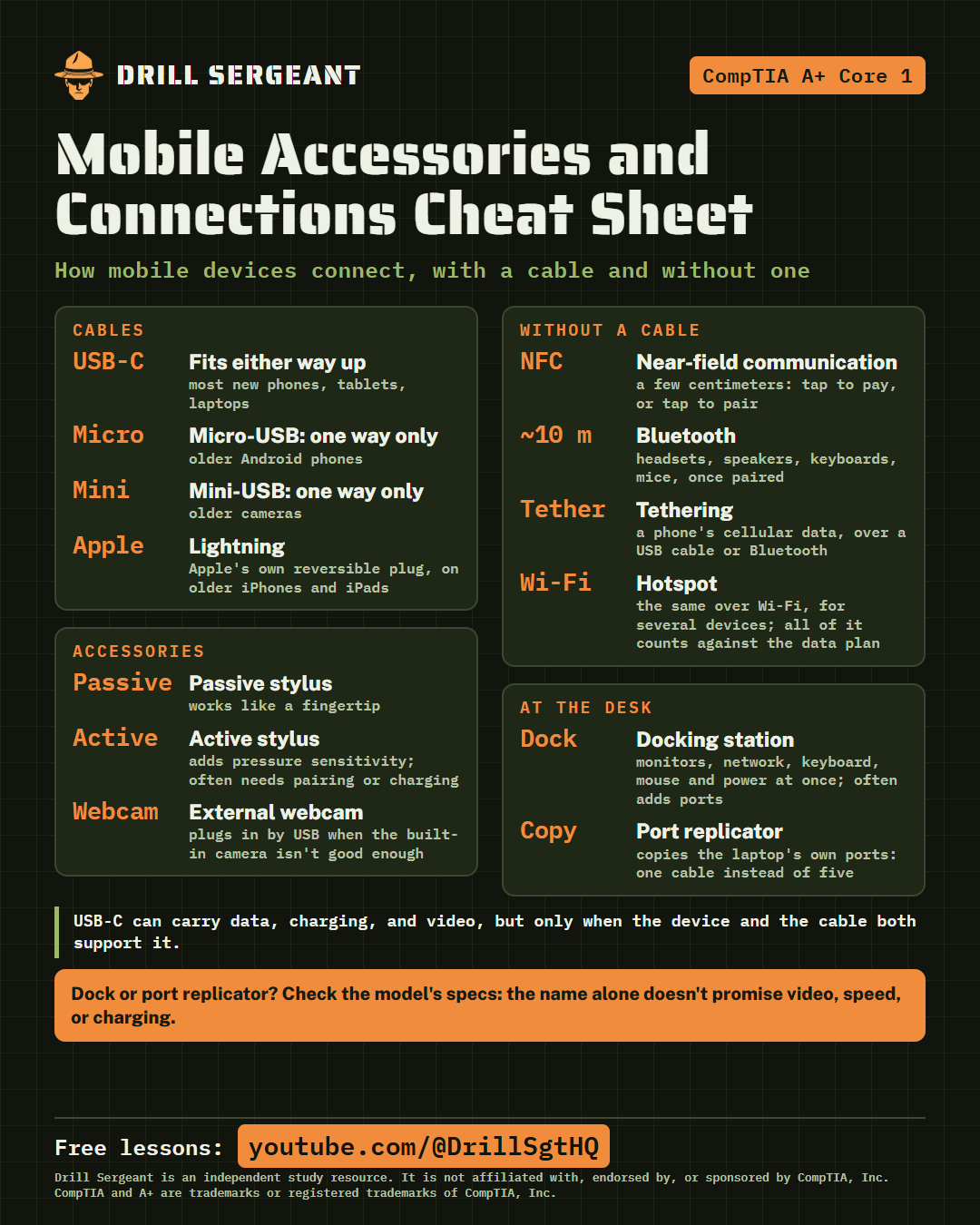
Cheat sheet as text
Mobile Accessories and Connections Cheat Sheet
How mobile devices connect, with a cable and without one
Cables
- USB-C — Fits either way up: most new phones, tablets, laptops
- Micro — Micro-USB: one way only: older Android phones
- Mini — Mini-USB: one way only: older cameras
- Apple — Lightning: Apple's own reversible plug, on older iPhones and iPads
Accessories
- Passive — Passive stylus: works like a fingertip
- Active — Active stylus: adds pressure sensitivity; often needs pairing or charging
- Webcam — External webcam: plugs in by USB when the built-in camera isn't good enough
Without a cable
- NFC — Near-field communication: a few centimeters: tap to pay, or tap to pair
- ~10 m — Bluetooth: headsets, speakers, keyboards, mice, once paired
- Tether — Tethering: a phone's cellular data, over a USB cable or Bluetooth
- Wi-Fi — Hotspot: the same over Wi-Fi, for several devices; all of it counts against the data plan
At the desk
- Dock — Docking station: monitors, network, keyboard, mouse and power at once; often adds ports
- Copy — Port replicator: copies the laptop's own ports: one cable instead of five
USB-C can carry data, charging, and video, but only when the device and the cable both support it.
Dock or port replicator? Check the model's specs: the name alone doesn't promise video, speed, or charging.
Chapters
Exam objectives covered
- Core 1 (220-1201) objective 1.2, Mobile Devices
Transcript
Read the full lesson narration
Wired connections
A phone or laptop is only part of the kit. Here's how mobile devices connect, with a cable and without one, and the accessories that plug into them.
Start with cables. Most new phones, tablets, and laptops use USB-C, the small plug that fits either way up. It can carry data, charging, and video, but only when the device and the cable both support it. Older Android phones used Micro-USB, and older cameras used Mini-USB, and neither one is reversible. Lightning is Apple's own reversible plug, on older iPhones and iPads. Newer iPhones and iPads use USB-C.
NFC, Bluetooth, tethering and hotspots
Next, there are three more links to know. NFC, near-field communication, works only within a few centimeters: tap to pay, or tap to pair. Bluetooth connects headsets, speakers, keyboards, and mice, out to about ten meters, once the devices are paired. And tethering shares a phone's cellular data with a laptop, over a USB cable or Bluetooth. A hotspot does the same over Wi-Fi, for several devices at once, and all of it counts against the phone's data plan.
Accessories
Accessories add input and output. A stylus writes on a touchscreen. A passive one works like a fingertip, and an active one adds pressure sensitivity, but often needs pairing or charging. Headsets and speakers connect by Bluetooth, USB-C, or a headphone jack. An external webcam plugs in by USB, when the built-in camera isn't good enough. And for pointing, a trackpad sits below the keyboard, a track point is the small stick in the middle of the keys, and a drawing pad lets you draw with a pen.
Docking station vs port replicator
At a desk, one connection can bring everything back. A docking station connects the laptop to monitors, a wired network, a keyboard, a mouse, and power, all at once, and it often adds ports the laptop doesn't have, or even a slot for an expansion card. A port replicator is simpler: it copies the laptop's own ports to the desk, so you plug in one cable instead of five. Either way, check the model's specs, because the name alone doesn't promise video, speed, or charging.
Quick drill and recap
Drill time. Say the answer before I do. Three laptops need to share a phone's cellular data over Wi-Fi. What feature is that? A hotspot. A phone pays at a checkout terminal with a tap. Which wireless technology is that? NFC. An older Android phone has a small plug that fits only one way. Which connector is it? Micro-USB. An artist wants pressure-sensitive pen input on a tablet. What accessory is that? An active stylus. One connection should give a laptop monitors, a network, power, and an expansion card slot. What device is that? A docking station.
Lock in these four. One. USB-C fits either way up, Micro-USB and Mini-USB don't, and Lightning is Apple's. Two. NFC taps, Bluetooth pairs, and tethering and hotspots share cellular data. Three. A stylus, headsets, speakers, a webcam, and a trackpad, track point, or drawing pad. Four. A docking station adds ports, and a port replicator copies them.
That's mobile accessories and connections. Now go prove it. Practice questions are waiting for you in Drill Sergeant.
PRACTICE TESTS
Ready to drill it?
Practice tests for CompTIA A+ Core 1 and Core 2, every answer explained and checked against published sources. $19.95 for 30 days, plus sales tax where it applies; one payment, nothing renews.
See the 30-day passRelated lessons
Found a mistake in a lesson? Email support@drillsgthq.com with the lesson and what is wrong.
Drill Sergeant is an independent study resource. It is not affiliated with, endorsed by, or sponsored by CompTIA, Inc. CompTIA and A+ are trademarks or registered trademarks of CompTIA, Inc.